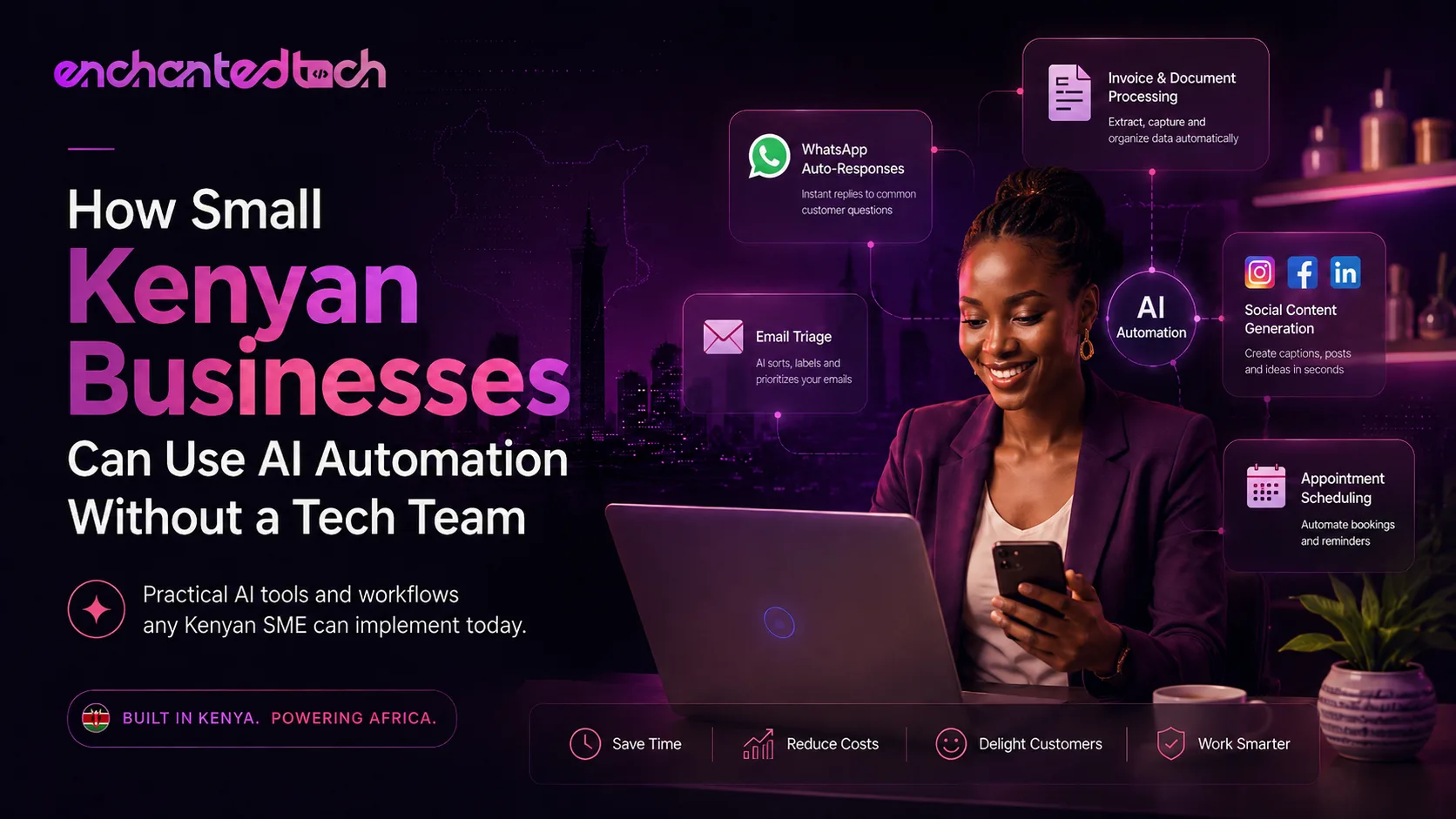
The AI Gap in Kenya's Small Business Sector
When most Kenyan business owners hear 'AI', they imagine large corporations, data centres, and expensive software licences. The reality in 2025 is very different. Practical AI tools are accessible, affordable, and can be deployed by businesses with no in-house developers — if you know what to look for and how to connect the pieces.
This guide is not about hype. It's about specific automations that small Kenyan businesses can use right now to save time, reduce errors, and serve customers better.
Where Small Businesses Lose the Most Time
Before choosing tools, it's worth mapping where your time actually goes. For most Kenyan SMEs, the biggest time sinks are: responding to repetitive WhatsApp and email enquiries, manually entering data across multiple spreadsheets, following up on unpaid invoices, scheduling appointments, and creating social media content.
Each of these can be partially or fully automated with AI tools that don't require a developer to set up.
Practical AI Automation 1: WhatsApp Auto-Responses
Kenya runs on WhatsApp. A business that takes 4 hours to respond to an enquiry loses customers to one that replies in 4 minutes. WhatsApp Business API, combined with AI chatbot tools like Tidio, Manychat, or a custom integration built on OpenAI, can handle initial enquiries, quote requests, and FAQs without any human involvement.
A basic setup: WhatsApp Business API connected to a chatbot that can answer product questions, send your price list, capture customer details, and escalate to a human when needed. Setup cost: low. Time saved per week: significant.
Practical AI Automation 2: Invoice and Document Processing
If your business receives supplier invoices, purchase orders, or any repetitive documents by email, AI document processing tools (like Nanonets or DocuParse) can extract the relevant data and push it directly into your accounting software. No more manual data entry. No more keying errors.
For Kenyan businesses using QuickBooks, Wave, or custom spreadsheets, this one automation alone can save several hours per week for finance teams.
Practical AI Automation 3: Email Triage and Response
Tools like Zapier + GPT-4 can be set up to read incoming emails, classify them by type (complaint, enquiry, invoice, partnership), draft a response based on templates, and either send automatically or put the draft in front of a human for one-click sending. This cuts email response time from hours to minutes.
Practical AI Automation 4: Social Media Content Generation
Consistency is the hardest part of social media for small businesses. An AI workflow (Zapier → OpenAI → Buffer) can take your product list, events, or weekly promotions and automatically generate social media posts, captions, and even hashtag suggestions on a schedule. Your social media stays active without requiring daily manual effort.
Practical AI Automation 5: Appointment Scheduling
For service businesses — salons, clinics, consultants, gyms — AI scheduling tools like Calendly with chatbot integrations or custom booking systems can handle bookings, send reminders, reduce no-shows, and update your calendar without a receptionist manually managing it.
Where a Developer Adds Value
The tools above can handle maybe 60–70% of automation needs without custom code. But to build something truly tailored to your business — a system that understands your product catalogue, integrates with your internal database, handles M-Pesa confirmations, or manages complex multi-step workflows — you need a developer.
This is where Enchanted Technologies comes in. We build custom AI integrations on top of OpenAI, Anthropic, and local APIs that connect to your specific business logic. Not generic automations — systems built around how your business actually works.
A custom AI workflow built on your data, your products, and your processes delivers 10x the value of generic SaaS automation tools.
→ Let's build your automation strategy — enchanted-tech.com